Stages
Progress by stage
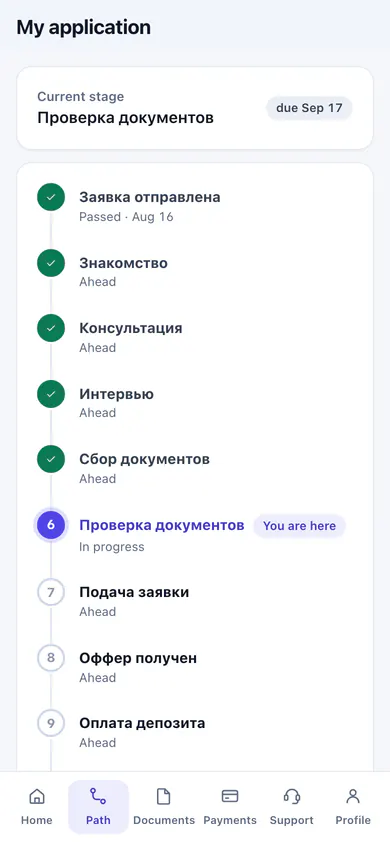
Clients see which stage they're at, what's done and what comes next.
- The current stage and its deadline
- Completed and upcoming stages
- Several applications in one portal
Client portal
A personal portal in your company's colours: application stage, documents, payments and chat with the manager. It opens in the phone browser and installs as an app.
Stages
Clients see which stage they're at, what's done and what comes next.
Documents
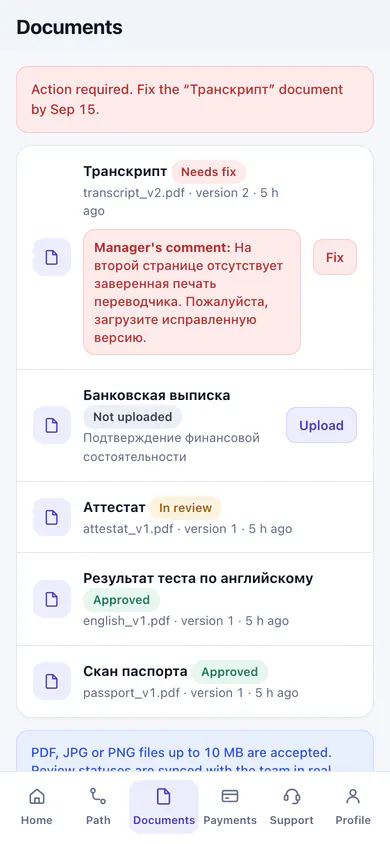
Files are uploaded straight to the portal. Clients see whether a document was accepted or a new one is needed.
Document statuses in the product
A payment schedule with amounts and due dates. Clients confirm a payment by uploading the receipt.
Messages
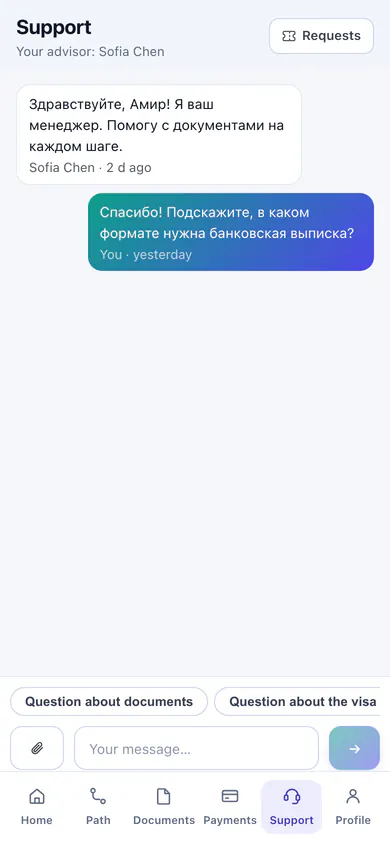
Messages and support requests inside the portal. The history stays even when the manager changes.
A link from the company is all the client needs — nothing to download.
The portal offers to install itself, and on iPhone it is done through Share in Safari.
Document decisions, new invoices and payment status arrive on the phone screen.
A 6-digit code arrives by email and works for 5 minutes, and the Telegram bot sends a sign-in button. A password can be set too.
The set of modules depends on the plan Compare plans
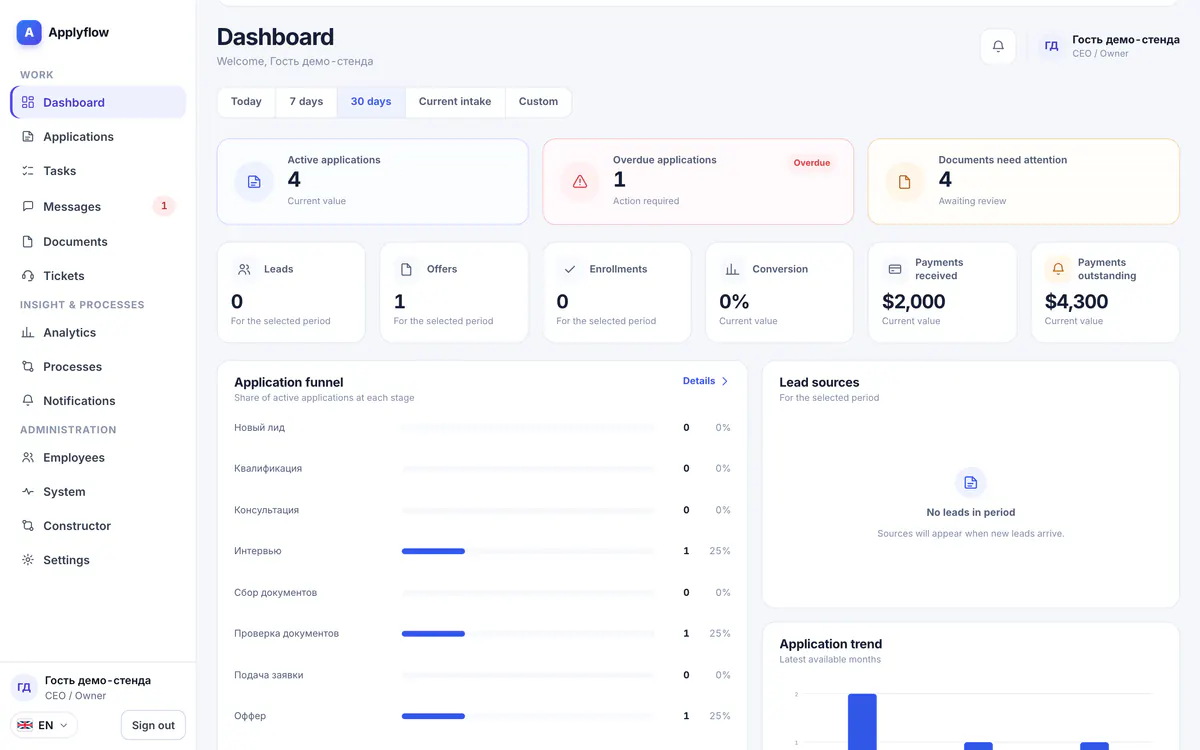
Applications by stage, reviewed documents, tasks with deadlines and analytics.
Applications · Documents · Tasks · Analytics
Learn more
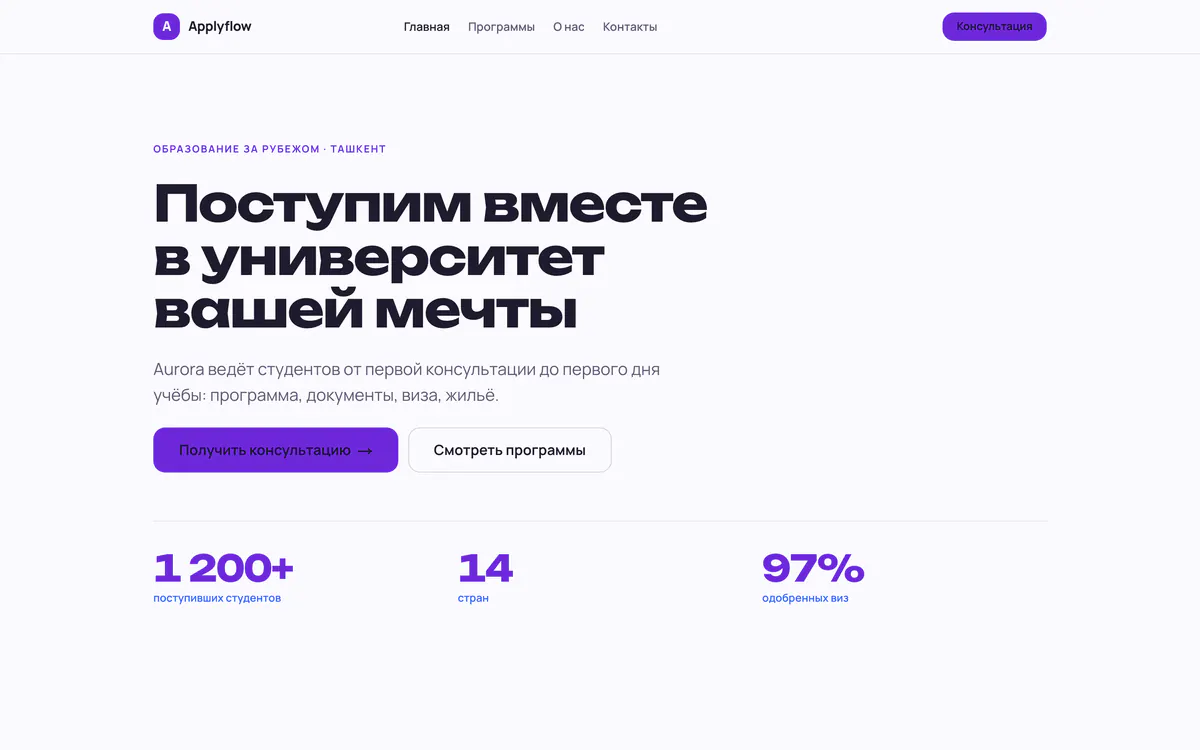
A website built from ready-made blocks on your own domain. Its form creates an application in the CRM.
Templates · Application form · Own domain
Learn more
14 days free, no card needed. Once your request is reviewed, the setup wizard gets you running in an evening.